> ## Documentation Index
> Fetch the complete documentation index at: https://sequence-0fb8d9e6-6256-forte-config.mintlify.site/llms.txt
> Use this file to discover all available pages before exploring further.
# Utilities
> Documentation for Unreal SDK API for reading from the blockchain with the Sequence infrastructure stack for web3 gaming.
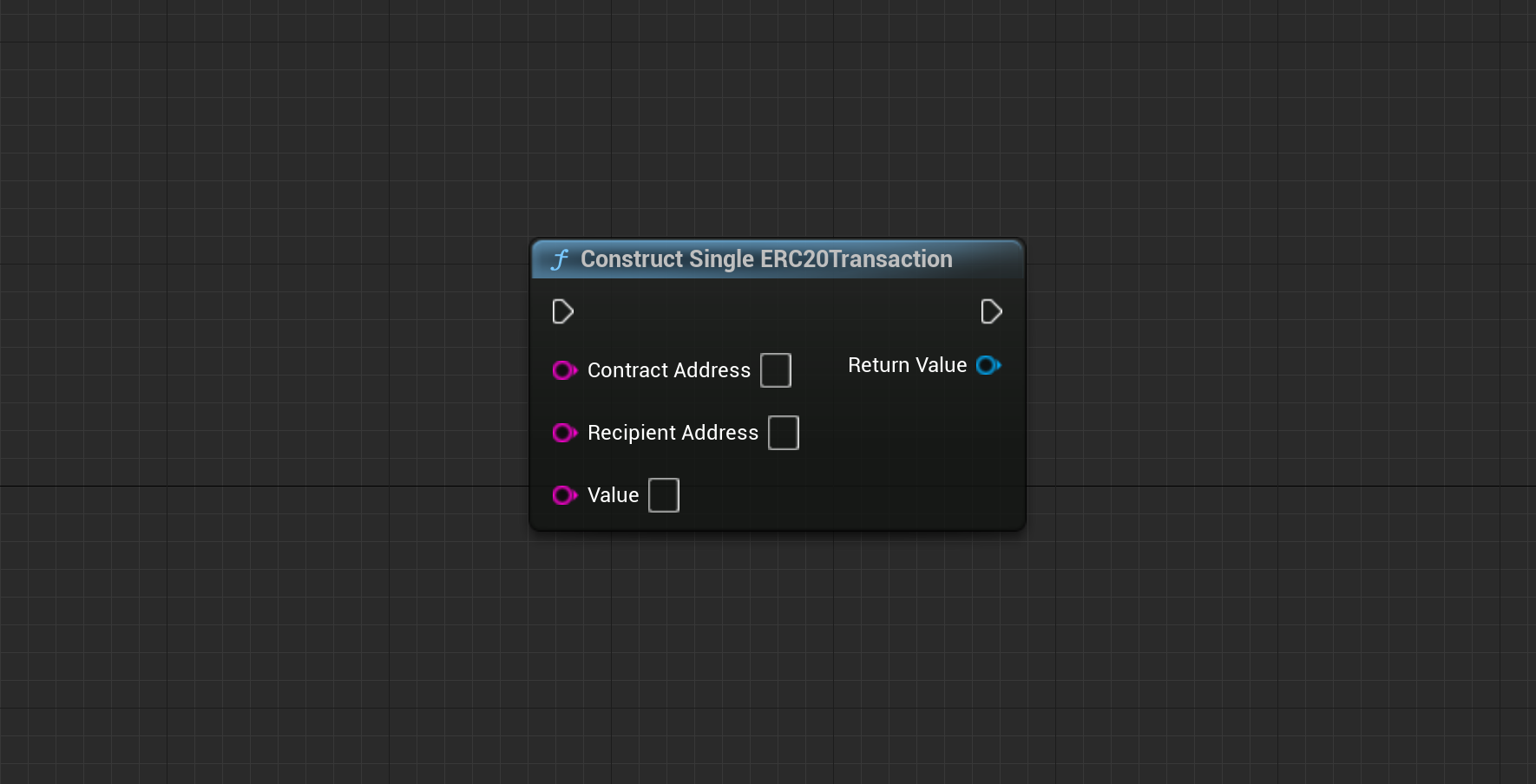
## Construct Single ERC20 Transaction
Select the Chain ID from which you want to retrieve user information. By default, this is set to Polygon.
 **New Chain Type (ENetwork Enum)**
The type of chain you want to request information from. This includes options like Ethereum Mainnet or Sepolia. " + "Make sure that you select the correct chain for your project from Sequence's Builder.
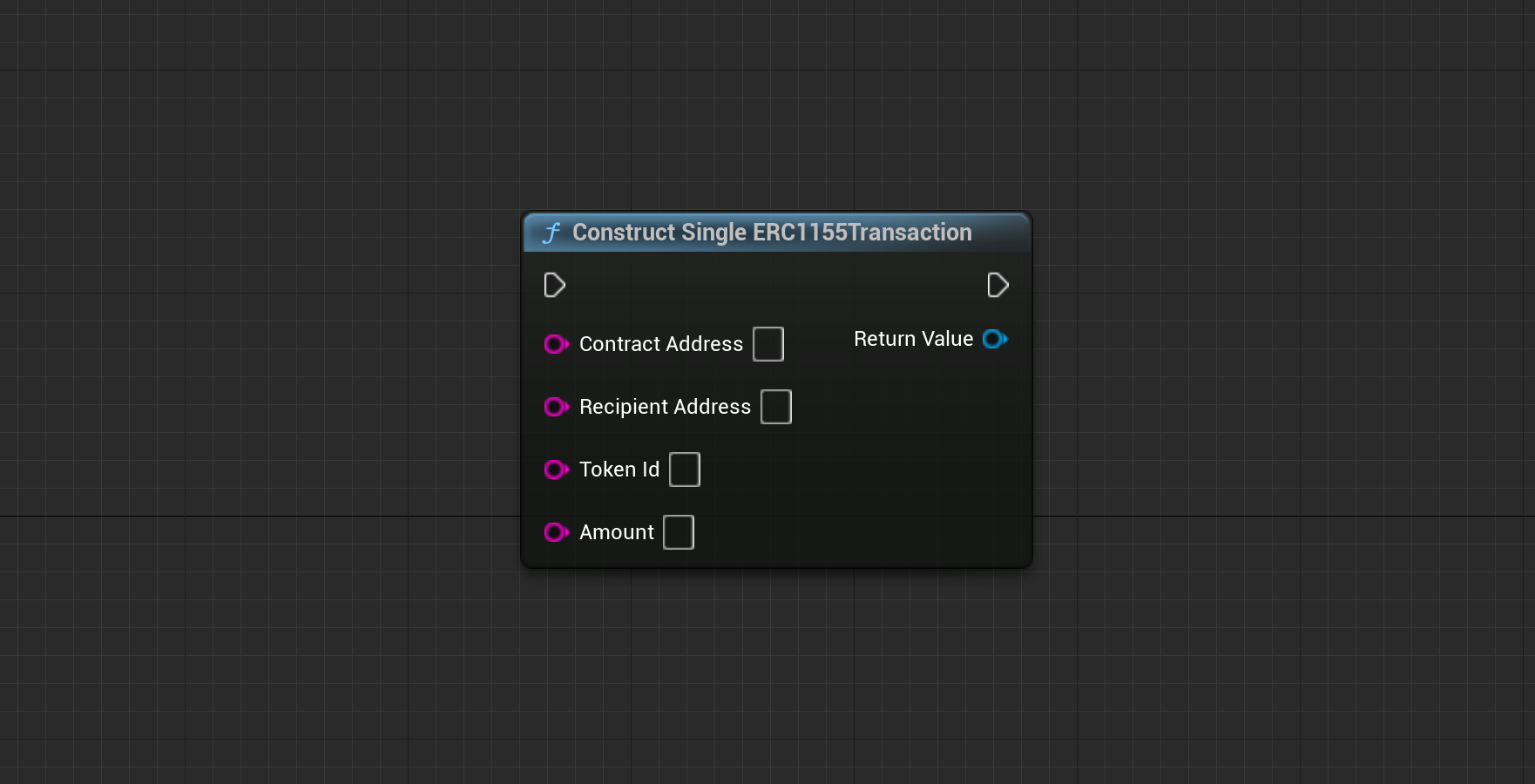
## Construct Single ERC1155 Transaction
Select the Chain ID from which you want to retrieve user information. By default, this is set to Polygon.
**New Chain Type (ENetwork Enum)**
The type of chain you want to request information from. This includes options like Ethereum Mainnet or Sepolia. " + "Make sure that you select the correct chain for your project from Sequence's Builder.
## Construct Single ERC1155 Transaction
Select the Chain ID from which you want to retrieve user information. By default, this is set to Polygon.
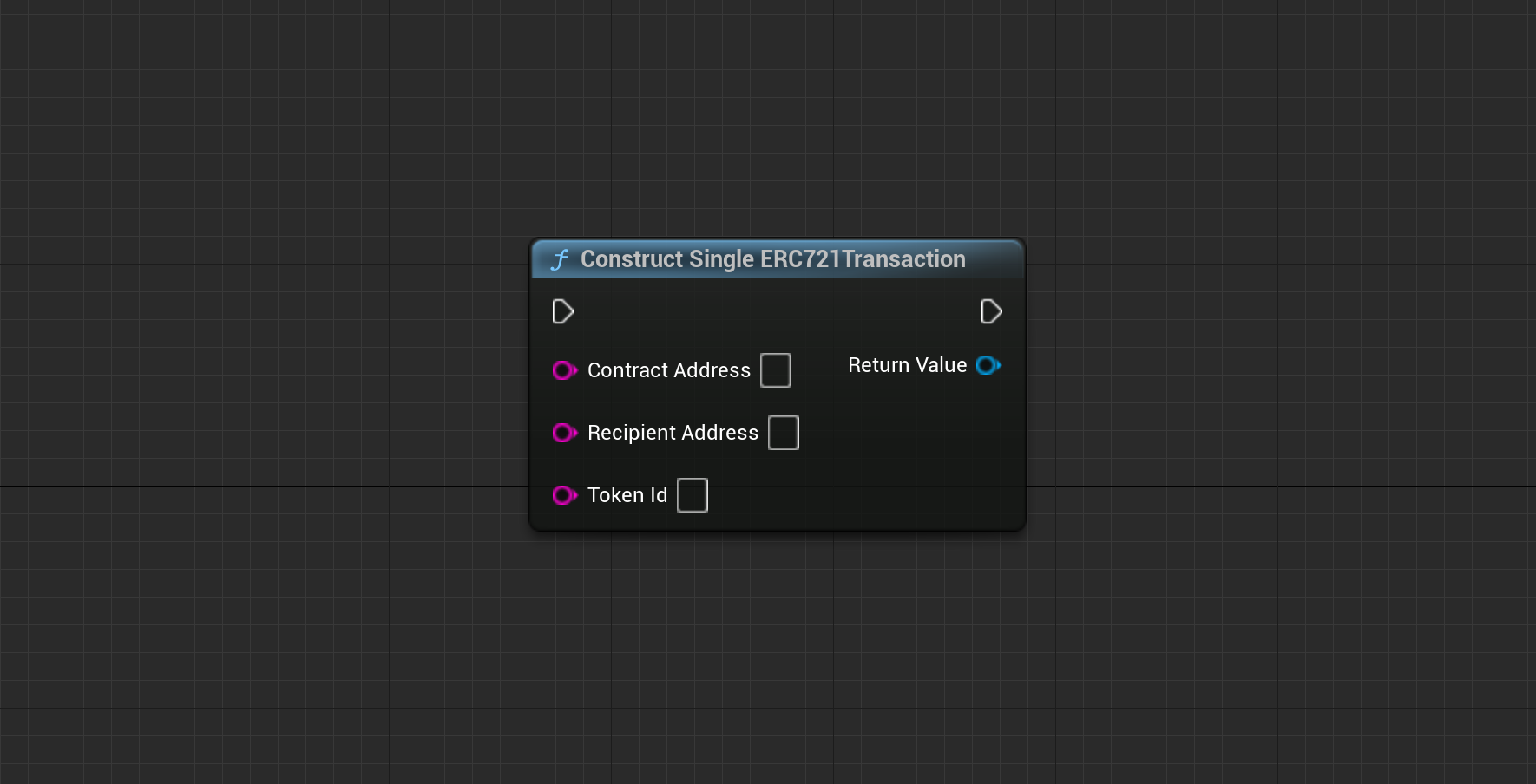
 ## Construct Single ERC721 Transaction
Select the Chain ID from which you want to retrieve user information. By default, this is set to Polygon.
## Construct Single ERC721 Transaction
Select the Chain ID from which you want to retrieve user information. By default, this is set to Polygon.
 ## Get Transaction Readable Amount
Select the Chain ID from which you want to retrieve user information. By default, this is set to Polygon.
## Get Transaction Readable Amount
Select the Chain ID from which you want to retrieve user information. By default, this is set to Polygon.
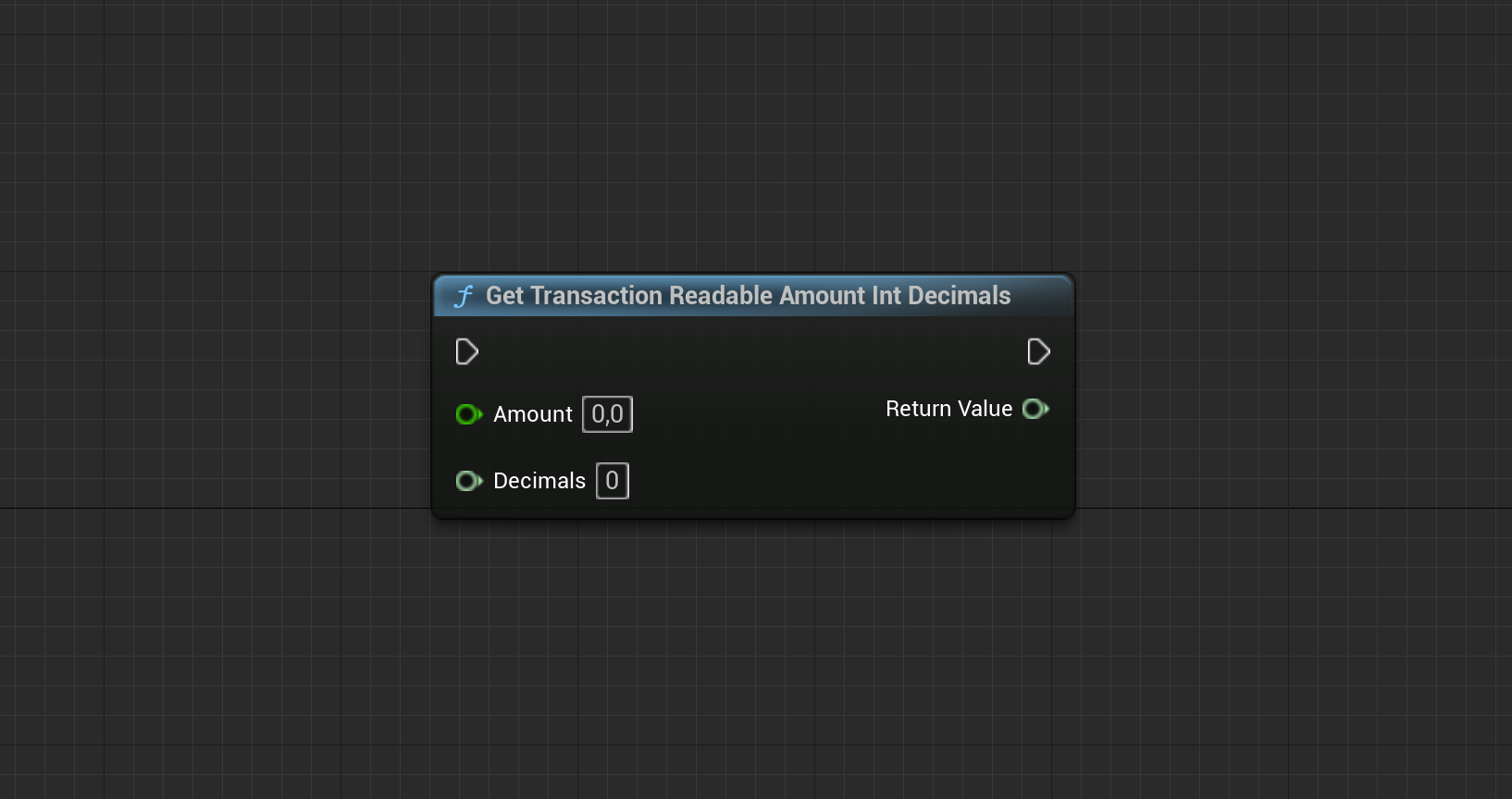 ## Get User Readable Amount
Select the Chain ID from which you want to retrieve user information. By default, this is set to Polygon.
## Get User Readable Amount
Select the Chain ID from which you want to retrieve user information. By default, this is set to Polygon.
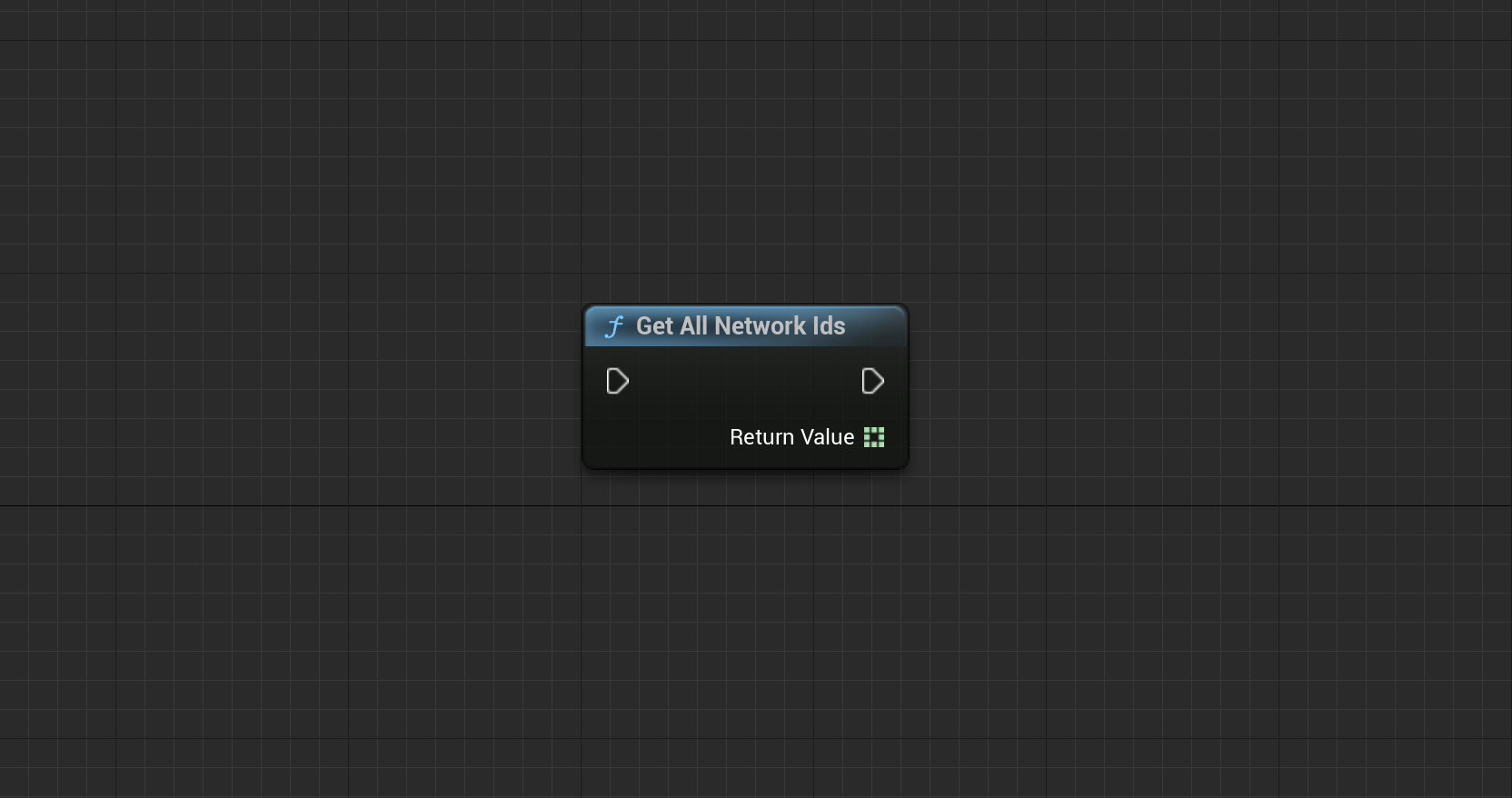
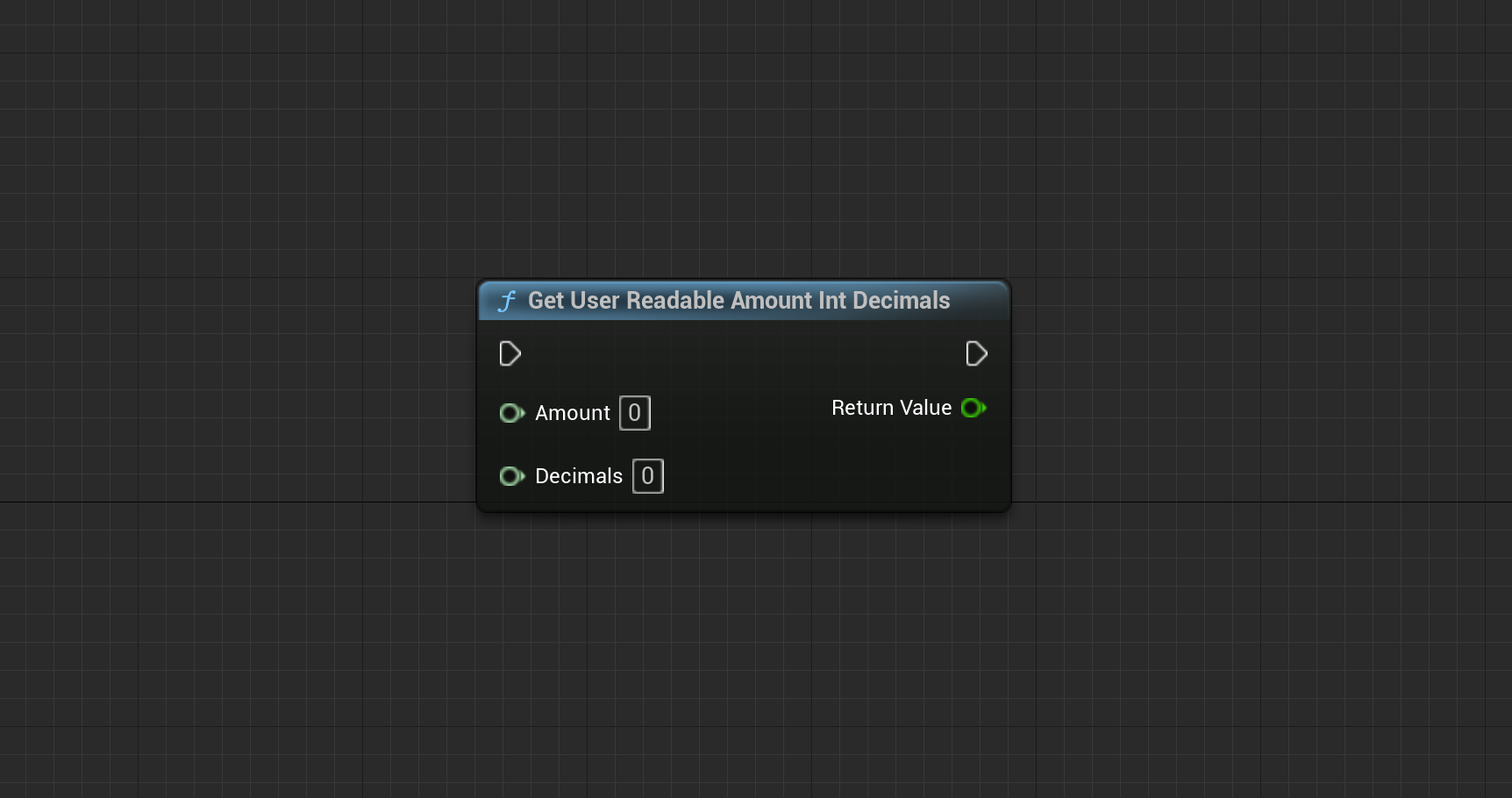 ## Get All Network Ids
Select the Chain ID from which you want to retrieve user information. By default, this is set to Polygon.
## Get All Network Ids
Select the Chain ID from which you want to retrieve user information. By default, this is set to Polygon.